Why this lesson matters
You've built a character across attributes, the tree, an Ascendancy, and weapon sets — this lesson is where you actually put skills on that character. POE2 handles this differently from most action-RPGs, including its own predecessor: skills don't live in your gear anymore.
Skills live in the Skills Window, not your gear
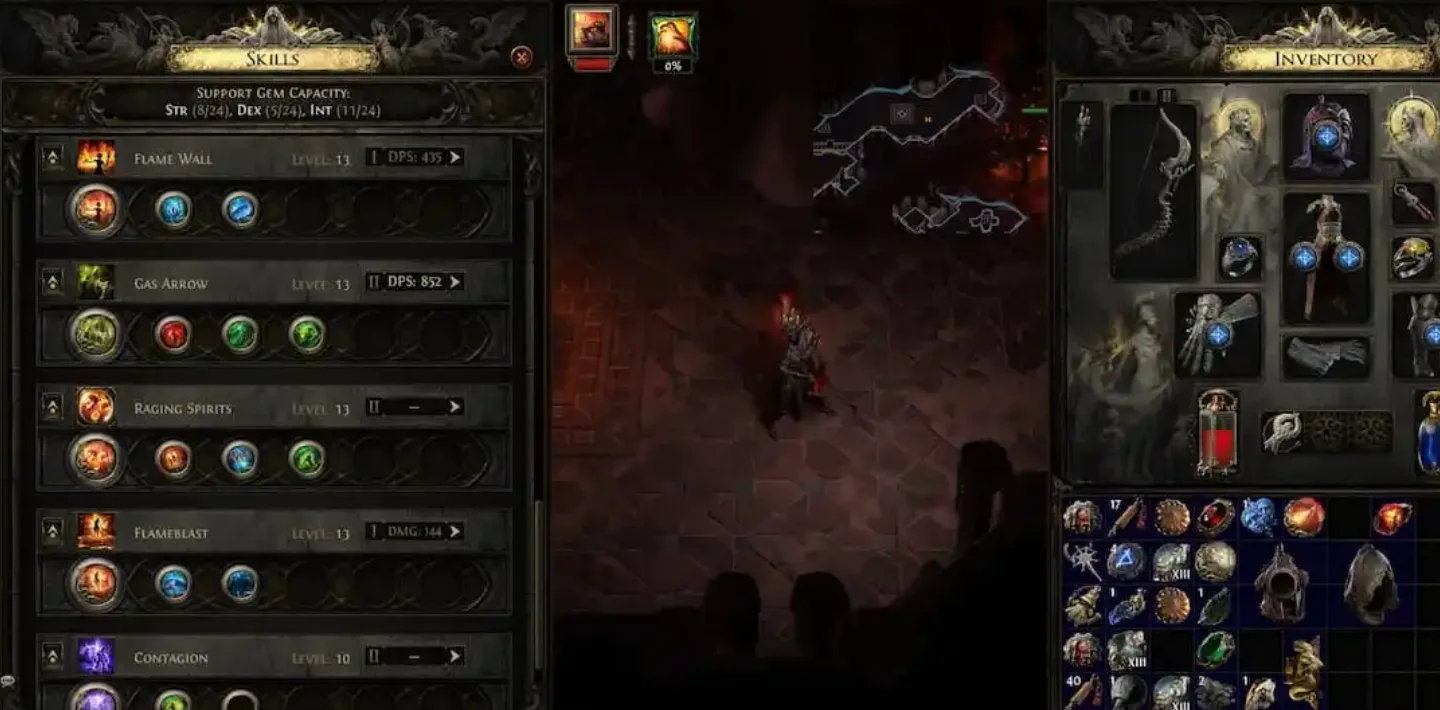
Sockets on armor and weapons no longer hold active skill or support gems at all — those sockets are reserved for a separate mechanic, Runes and Soul Cores. Skills and their supports are managed entirely through a dedicated Skills Window. You have up to 9 active skill slots by default (some Ascendancies, weapons, Unset Rings, and uniques can grant more beyond that base).
Each active skill starts with 2 support gem sockets and can be expanded up to 5 support sockets — a full "6-link," 1 active skill plus 5 supports — using Jeweller's Orbs. These come in three tiers: Lesser Jeweller's Orb sets 3 sockets, Greater Jeweller's Orb sets 4, and Perfect Jeweller's Orb sets the full 5. (If that name looks familiar from Path of Exile 1, it should — POE1's Jeweller's Orbs rerolled socket counts on gear; POE2 reused the name for a completely different job, adding support sockets to skills in the new Skills Window. Same name, different mechanic.)
Uncut Gems
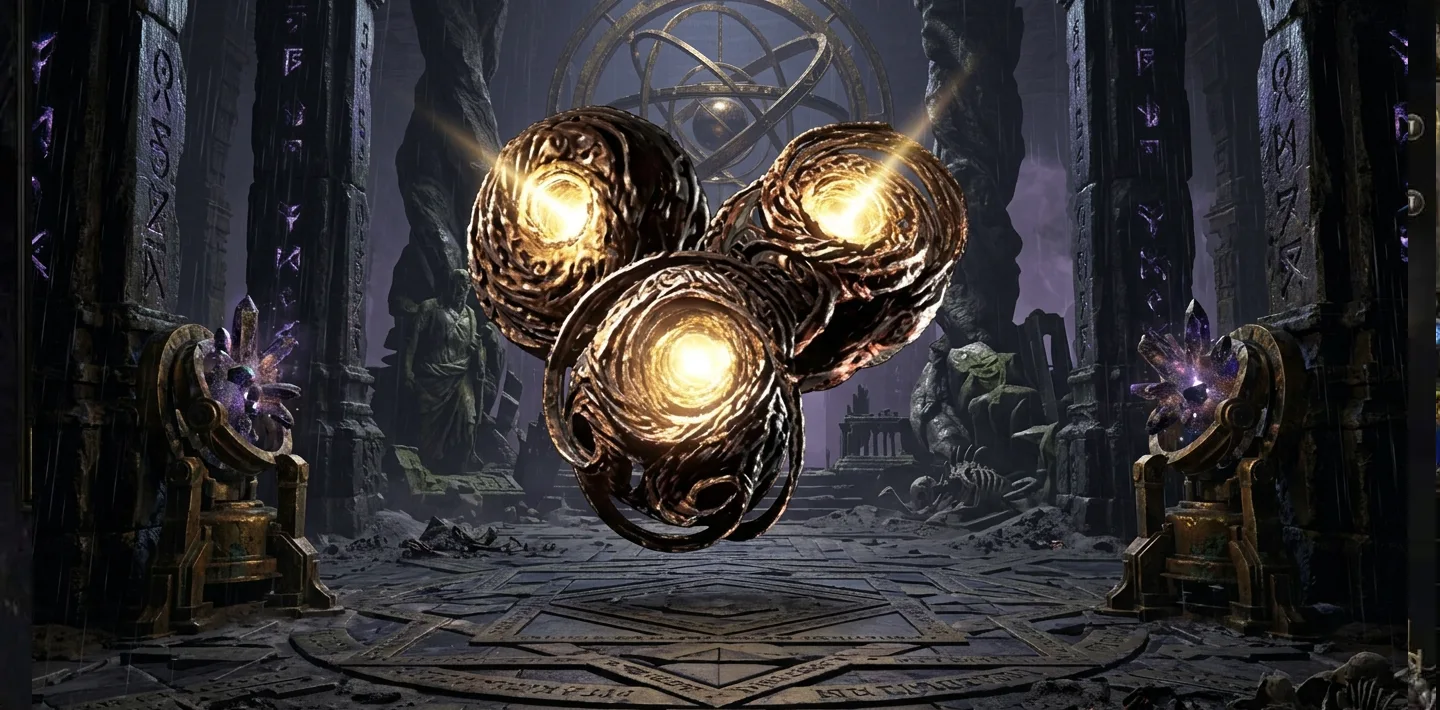
Skill progression runs on Uncut Gems, which drop as generic rewards in three categories:
- Uncut Skill Gems — engrave to create a new active skill, or level up one you already have.
- Uncut Support Gems — engrave to pick a support modifier from whatever tier bracket you've unlocked.
- Uncut Spirit Gems (reservation gems) — engrave to pick a persistent buff, minion summon, or aura, the same Spirit-reservation system covered in Primary attributes, defenses, Spirit, and controls.
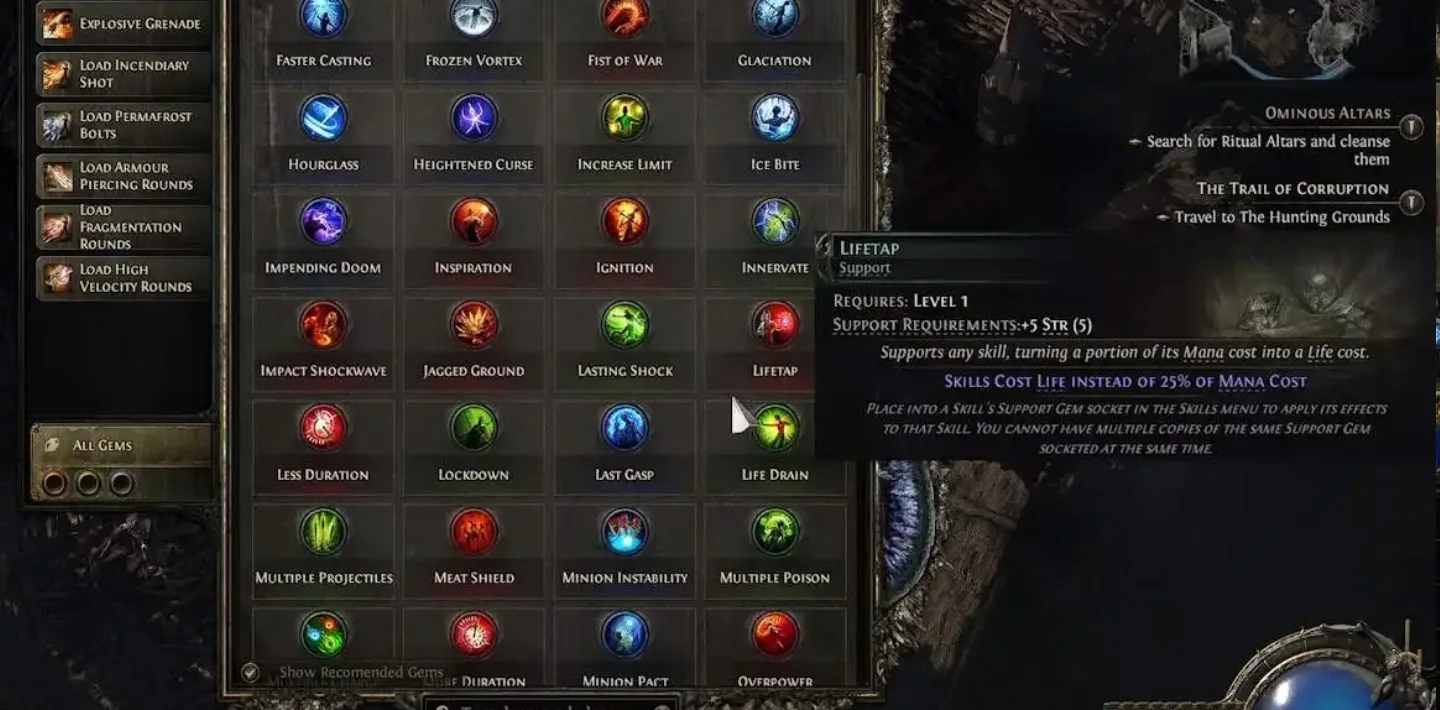
What actually gates your support gems
This is the place most guides get backwards, so it's worth being precise. Support gems don't have an escalating attribute *cost* that goes up per tier. Instead, it works the other way around: your own attribute totals gate how many support gems of a given color you can equip. Support gems are color-coded to Strength, Dexterity, or Intelligence, and roughly every 5 points you have in that attribute unlocks one more support slot of the matching color. Stack more Strength, and you can run more Strength-colored supports — the supports aren't charging you attributes, your attributes are buying you support slots.
Practically: if a support gem won't socket, the fix usually isn't "get a bigger attribute buffer for this specific support" — it's "raise the relevant attribute enough to unlock another slot of that color," the same lever covered in the passive tree's flexible attribute travel nodes.
Meta Gems
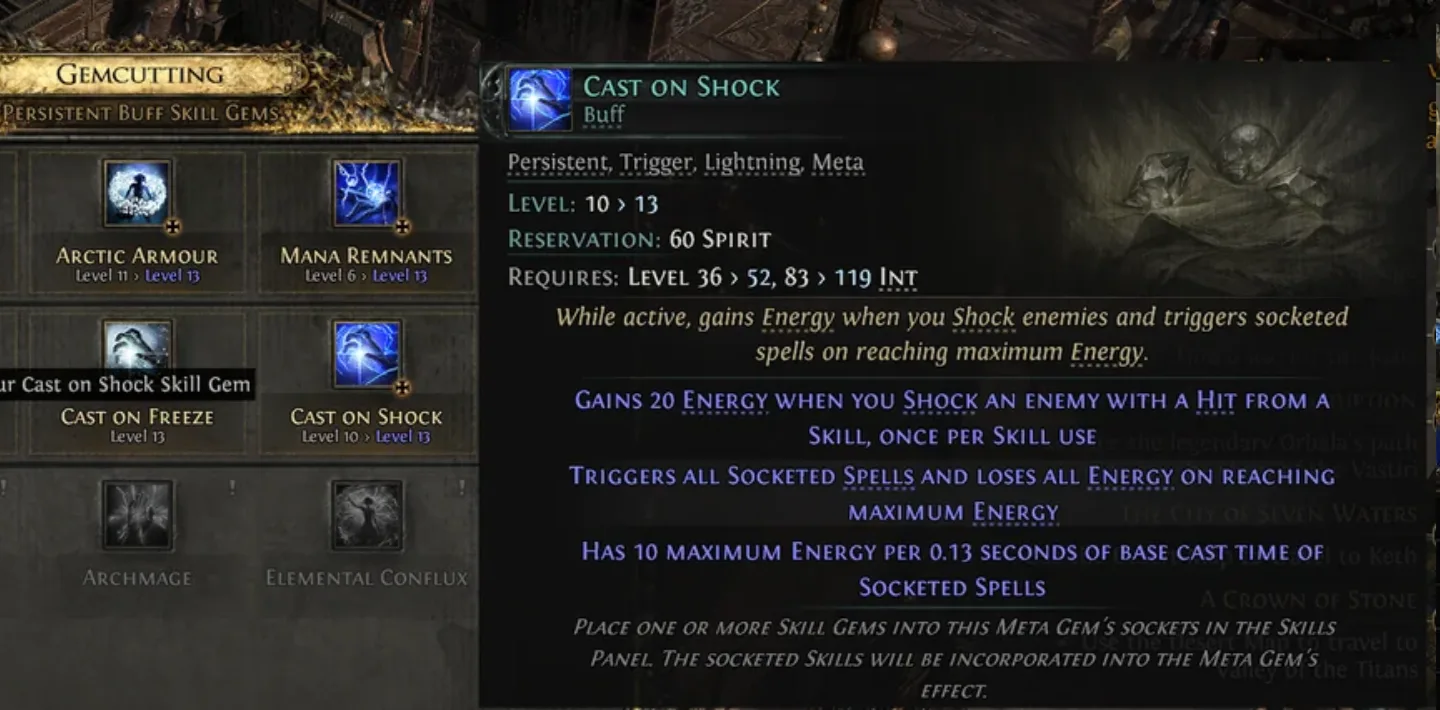
Meta Gems — Cast on Shock and Cast on Minion Death are two examples — are a different kind of skill entirely. They reserve a portion of your Spirit and track combat conditions through an Energy meter instead of being cast directly. Satisfy the condition (inflicting a Shock, losing a minion, whatever the gem tracks) and the meter fills; at 100% Energy, the Meta Gem automatically fires its linked active skill without you pressing anything.
Worth being explicit about where this fits in the slot economy above: a Meta Gem occupies one of your 9 active skill slots, same as any normal skill — it's not a bonus slot outside that budget. It goes in the "skill" position of that slot, and the linked active skill it triggers gets socketed *into* the Meta Gem rather than taking a slot of its own. The support sockets on that same slot are shared — supports you put there apply to both the Meta Gem and its linked skill at once, not to one or the other separately.
Practical tips
- Save high-level Uncut Skill Gems when you're between builds — engraving one instantly brings a new skill up near your current level, instead of leveling a fresh gem from scratch.
- Spend Jeweller's Orbs on your main clear skill or primary boss skill first — that's where a 4-link or 5-link matters most, not spread evenly across every skill you're using.
- If a support gem is locked out, check the color and your attribute total for that color before assuming you need different gear — it's your attribute total gating the slot, not the support gem demanding more from you.
- Meta Gems are a Spirit cost like any reservation skill — budget for them the same way you'd budget an aura.
- Remember a Meta Gem uses up one of your 9 active skill slots — don't plan a build's skill count assuming Meta Gems come "free" on top of that budget.
Sources: Maxroll — Skills in Path of Exile 2 · Fextralife — Skill Gems · Fextralife — Lesser Jeweller's Orb · Fextralife — Uncut Spirit Gem · Fextralife — Cast on Shock · Fextralife — Ancestral Warrior Totem · Fextralife — Gemcutting · Game8 — Increase Support Gem Slots · Mobalytics — Meta Gems · Skycoach — Gems Guide · timesaver.gg — Perfect Jeweller's Orb (0.5.4) · Official Path of Exile Forum