
PoE 1 · 3.30 Covens of Umbra
Your PoE 1 toolkit
Nine tools that pass work to each other. Pick a build once, and its gear, searches, maps and Wickerman follow you into Run mode while you play.
What goes where
Each line is a button on the first tool that opens or fills the second one. Nothing to copy by hand.
Build guide→Gem planner · Run mode
Gems for each act, and the build's searches
Build guide→Craft bench
A gear slot to craft (Craft this item)
Craft bench→Build guide
The finished item (Copy item, then Paste from game)
Build guide→Regex Builder
The build's gear searches, ready to edit and save
Strategy · Juice builder→Regex Builder
A map search that skips the mods you can't run
Wickerman planner→Build guide · Regex Builder
Your Viscera setup, and a stash search for it
Regex Builder→Run mode
Every saved search, ready to copy
Strategy · Wickerman→Run mode
The maps you're farming and the Viscera left to get
The tools
What each one does, what it takes in and what it hands on. Most pages also have a ? with a short tour.
Build guide
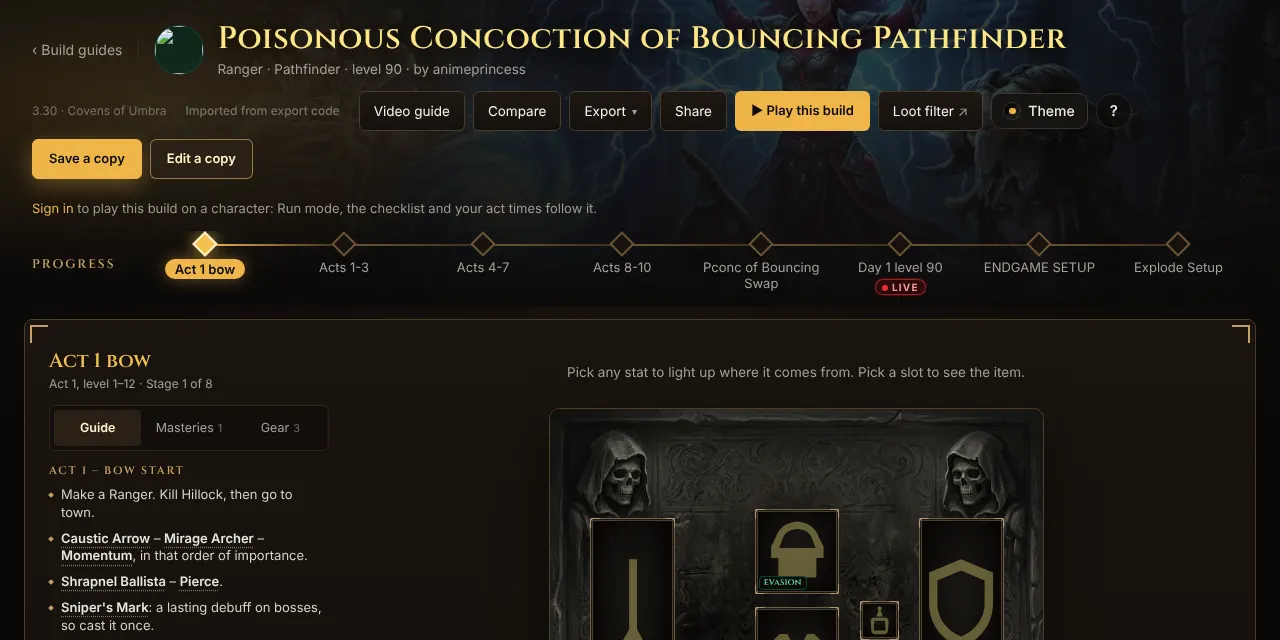
A build from Path of Building, stage by stage: tree, gear, gems, masteries and the creator's notes.
- Takes in
- A creator guide, or your own Path of Building code.
- Hands on
- Craft this item on a gear slot opens the craft bench. Regex strings open in the Regex Builder. Play this build sends gems and searches to Run mode.
Compare
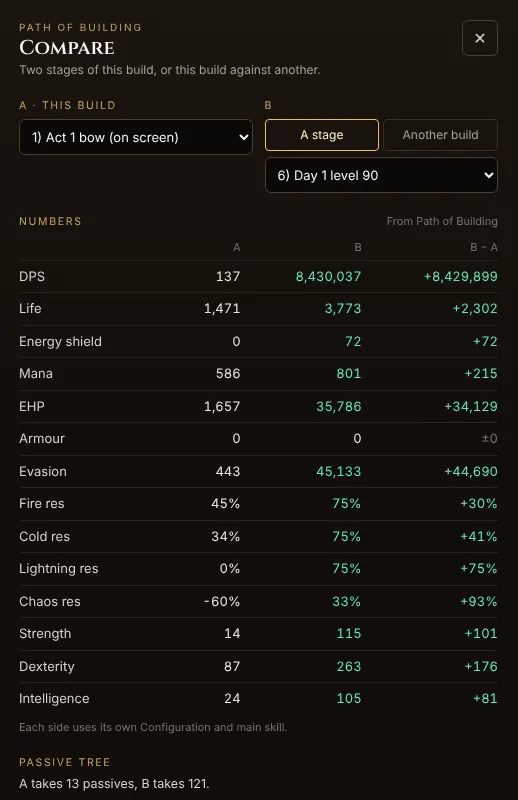
Two stages of a build, or your build against another, side by side: stats, tree, gear and gems.
- Takes in
- Any two stages, or a second build or Path of Building code.
- Hands on
- Shows what the next stage needs, so you know which item to craft or search for next.
Levelling gem planner
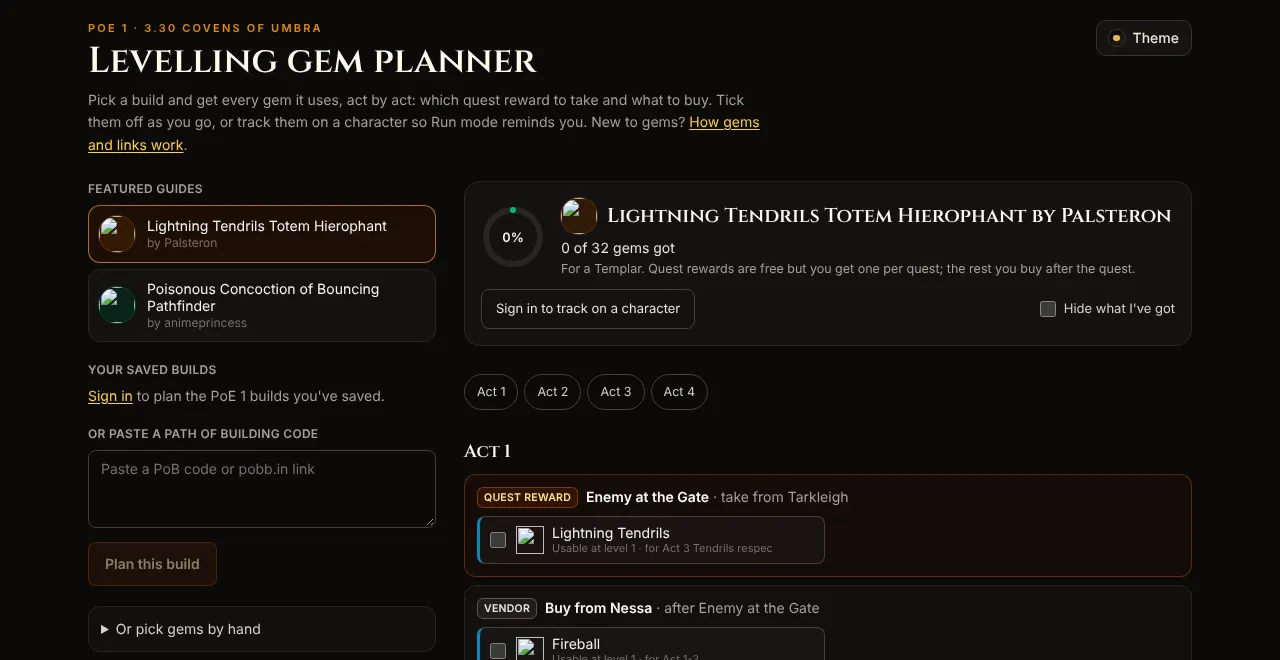
Every gem your build uses, act by act: which quest reward to take and what to buy.
- Takes in
- A featured guide, your saved build or a pasted Path of Building code.
- Hands on
- Track it on a character and Run mode reminds you at each quest.
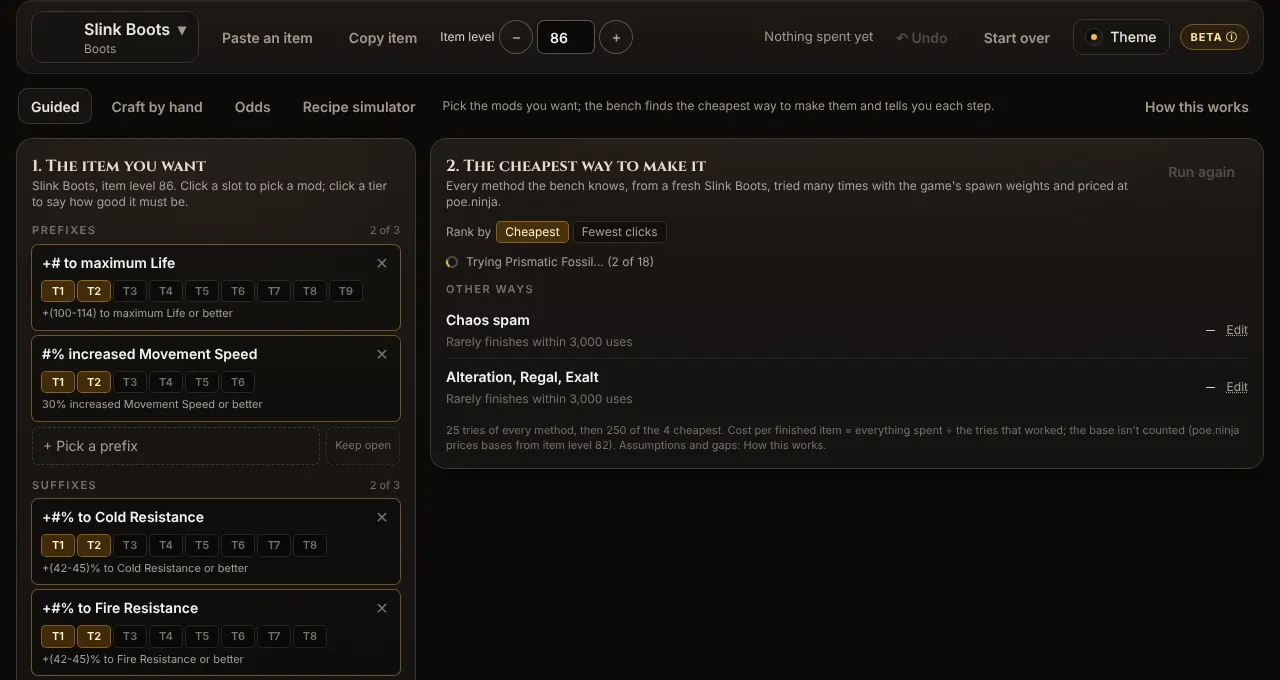
Craft bench
Pick the mods you want. It tries every method and ranks them by cost or by fewest clicks, with poe.ninja prices.
- Takes in
- A gear slot from your build, an item you paste from the game, or a base you pick.
- Hands on
- Copy item goes back into your build's gear slot. Save this goal keeps it in My crafts.
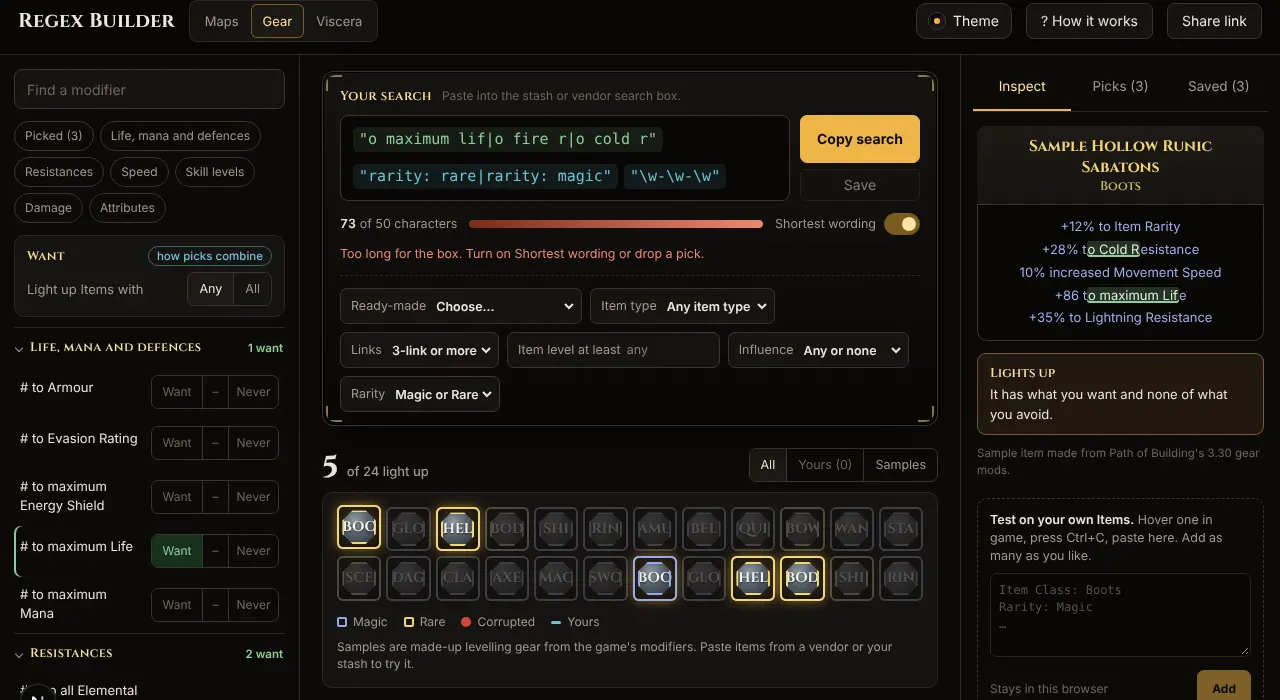
Regex Builder
Search strings for your stash, vendors, maps and Viscera, with a preview of what lights up.
- Takes in
- Your picks, or a string from your build, a strategy, the Juice builder or the Wickerman planner.
- Hands on
- Saved searches show in Run mode's Regex tab, one tap to copy while you play.
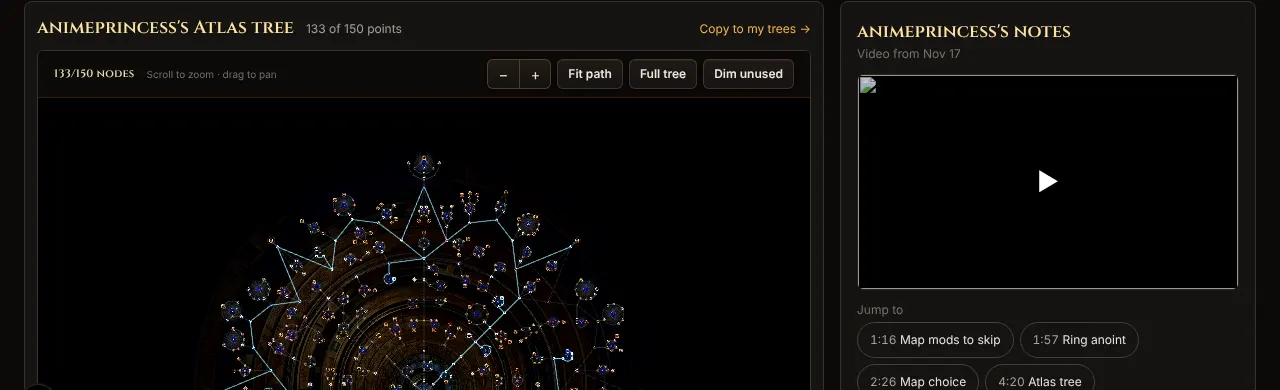
Farming strategies
How a creator farms one mechanic: Threads, Atlas tree, juice and tips, with the cost per map.
- Takes in
- Nothing: pick one that fits your build and budget.
- Hands on
- Its Atlas tree copies to your trees, its map search opens in the Regex Builder, and Run mode's Maps tab shows it while you track it.
Juice builder
Build a map's juice one layer at a time and see what each layer adds and costs.
- Takes in
- A strategy's setup, or your own picks.
- Hands on
- Save as a map search turns the mods you avoid into a Regex Builder map search.
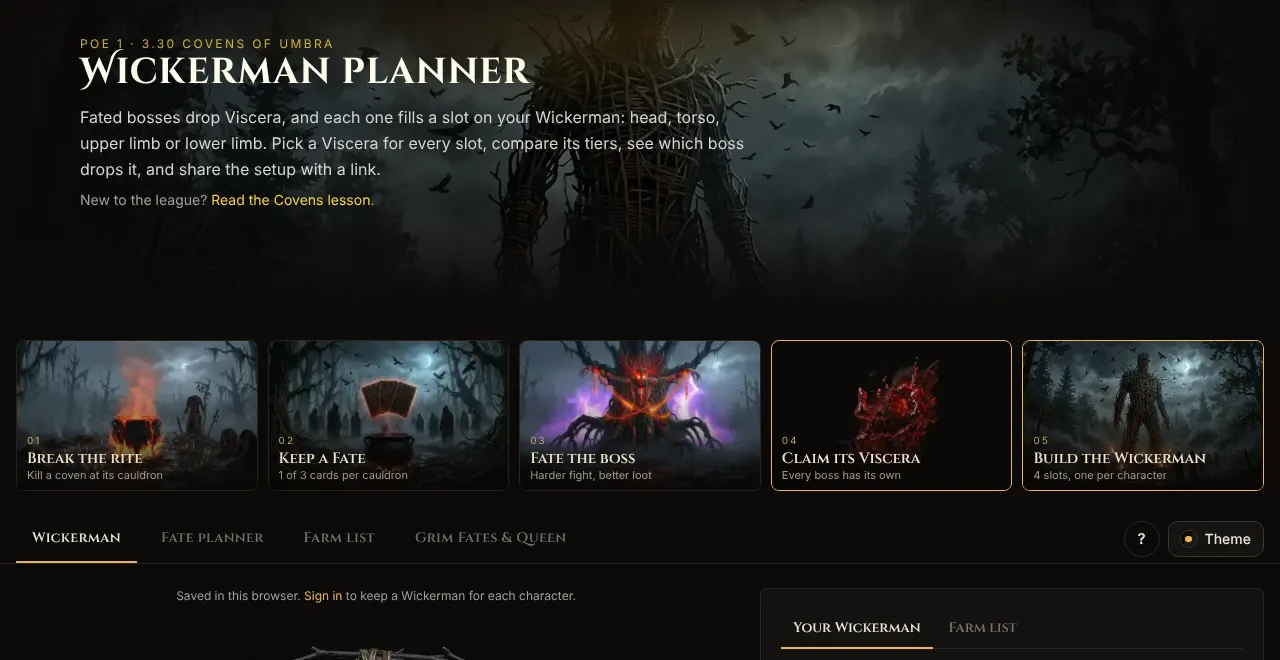
Wickerman planner
Pick a Viscera for each slot of your Wickerman, see where each drops and tick them off as you farm.
- Takes in
- Your picks, or a shared Wickerman link.
- Hands on
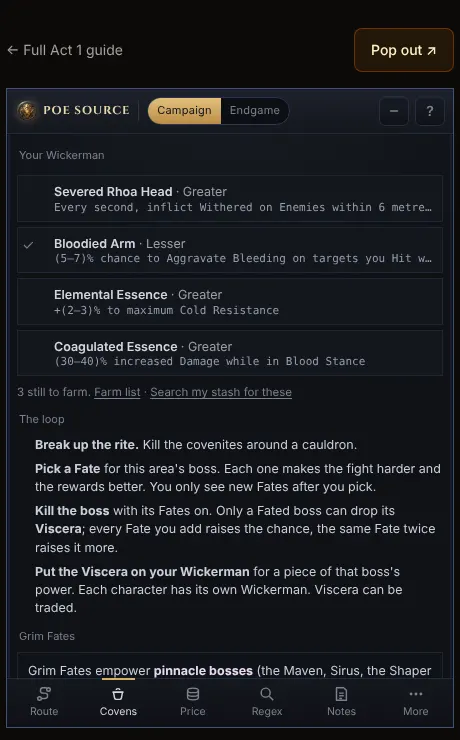
- Your build's Wickerman can use this setup. The farm list opens a Viscera stash search. Run mode's Covens tab shows what's left.
Run mode
A small panel beside the game, or on your phone: the campaign route, an act timer and everything the other tools sent it.
- Takes in
- Your build's gems, saved searches, the strategy you track and your Wickerman.
- Hands on
- Nothing new to set up: it is where everything ends up while you play.
See it on one build
The league-start walkthrough follows one creator build from the first act to juiced maps and a Wickerman, and counts the steps each tool saves.
Walk through a league start →Unofficial fan site, not affiliated with Grinding Gear Games.