
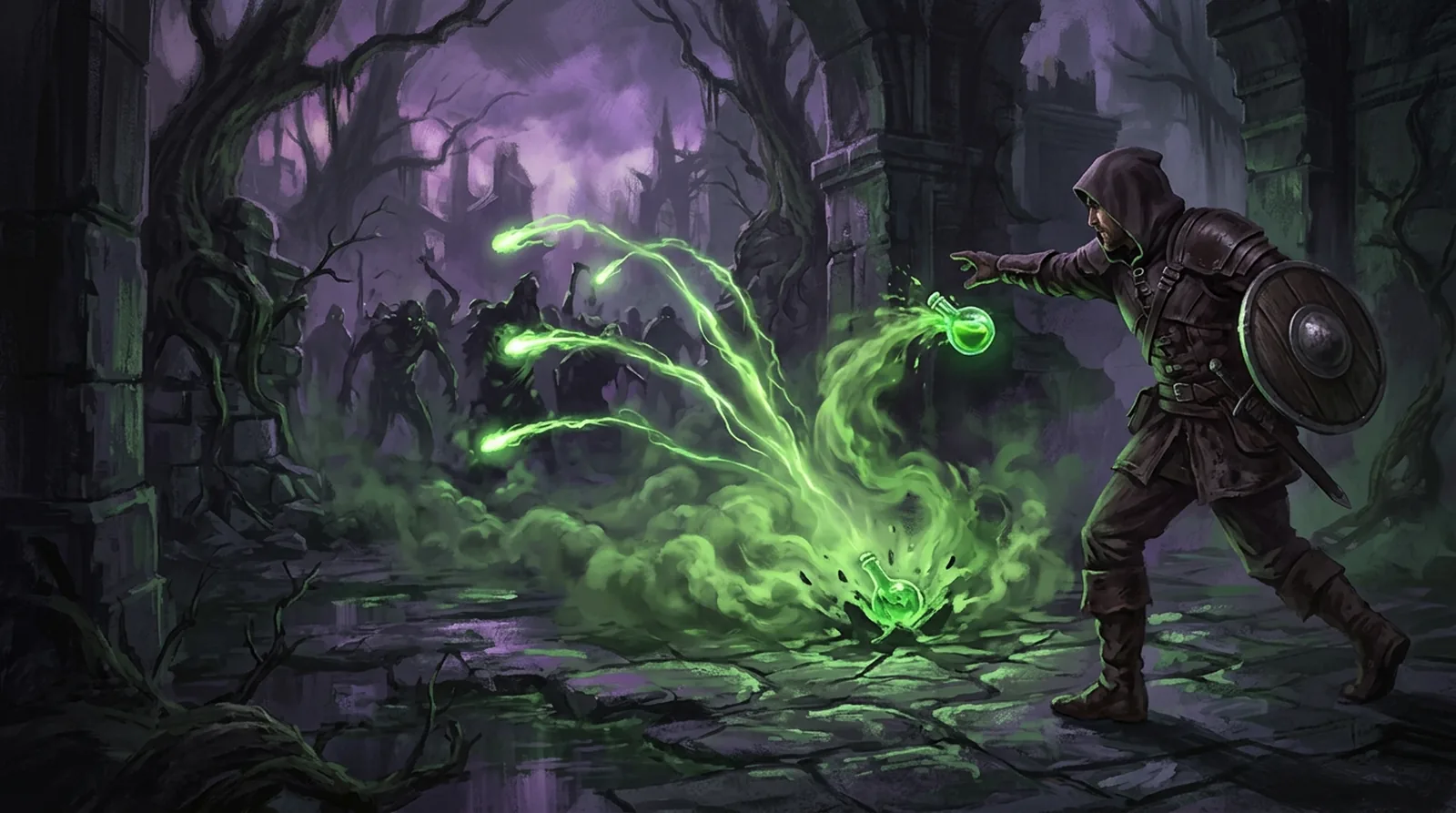
PoE 1 · 3.30 · Walkthrough
One league start, start to finish
Eight jobs every league start has, from picking a build to filling your Wickerman. For each one: what you'd do by hand, and what it takes here.
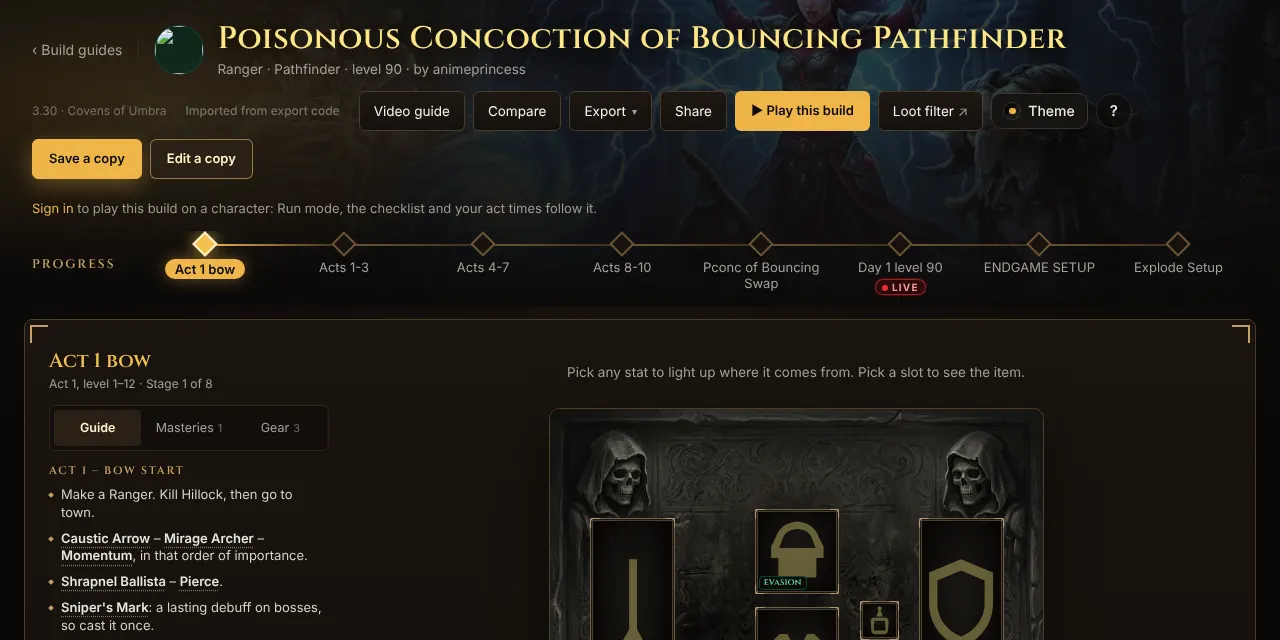
The build is Poisonous Concoction of Bouncing Pathfinder by animeprincess, with her guide imported into POE Source.
The count
30
steps by hand
17
steps with POE Source
6
of 8 saved for next time
Our own count of the actions in each list below, not a timed test. Your by-hand way may have more or fewer steps.
Step 1 · Before the league
Pick the build
Open the Pconc guide →By hand · 4
- Find the guide
- Copy its Path of Building code
- Open Path of Building and import it
- Find the stage you're at
Here · 2
- Open the guide
- Pick your stage on the progress bar

Step 2 · Before the league
Plan the campaign gems
By hand · 4
- List every gem the build uses
- Look up which quest gives each one
- Look up which vendor sells the rest
- Write it down in act order
Here · 2
- Play this build on the guide
- Finish Start a build: the gem list is made for you, act by act
Saved on your character.
Open the gem planner →
Step 3 · Acts 1 to 10
Play the campaign
By hand · 3
- Keep a route guide in another tab
- Check your gem list at every quest
- Keep your own act timer
Here · 1
- Open Run mode beside the game or on your phone: route, timer and the gems for this quest in one panel
Your act times are saved.
Try Run mode →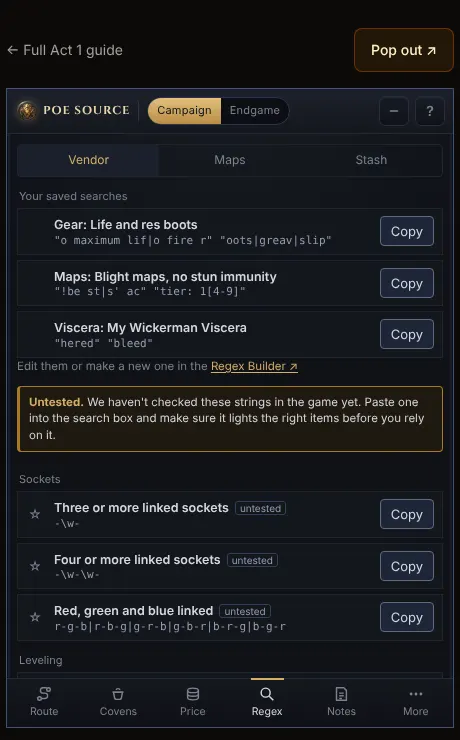
Step 4 · Every town visit
Find gear on vendors
By hand · 4
- Write a vendor search by hand
- Test it in game until it works
- Keep it in a notes file
- Find and copy it every visit
Here · 2
- Open the build's string in the Regex Builder and save it
- Copy it from Run mode's Regex tab each visit
Saved searches stay in Run mode.
Open the Regex Builder →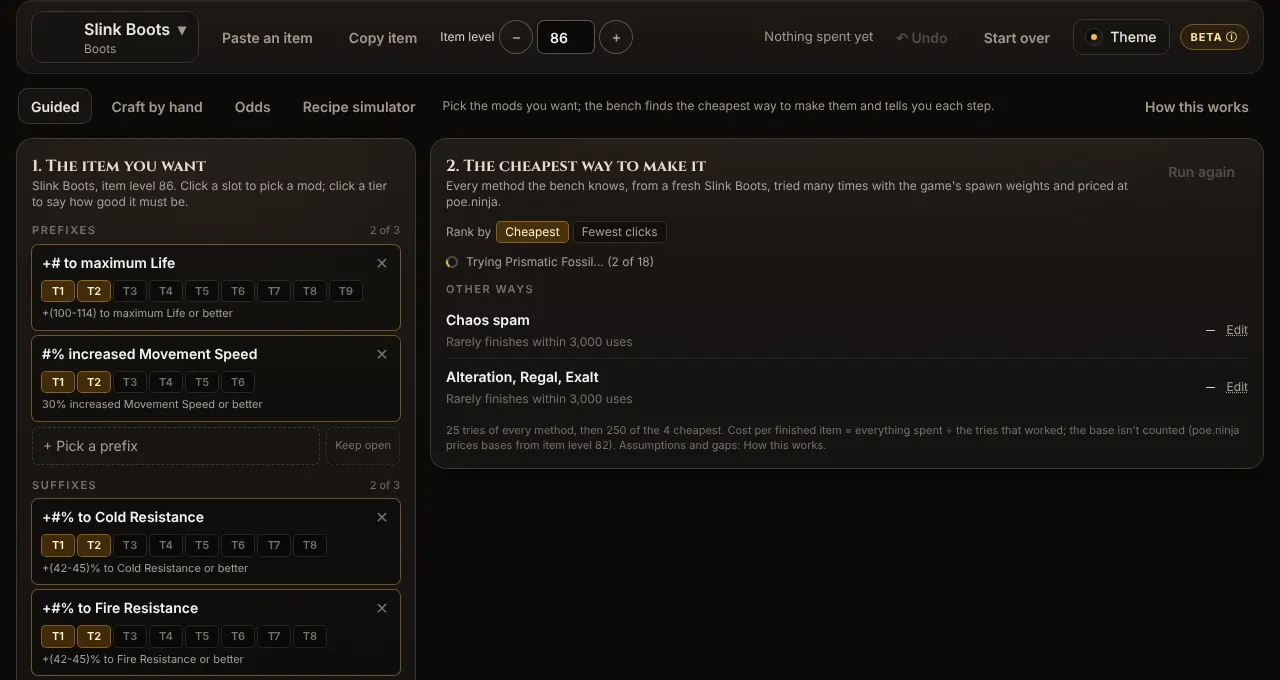
Step 5 · Early maps
Craft your first real item
By hand · 4
- Look up the mod tiers for your base
- Look up the price of each currency
- Pick a crafting method and guess its odds
- Type the finished item into your build
Here · 3
- Craft this item on the build's boots slot
- Pick the mods you want and follow the cheapest way
- Copy item, then Paste from game in the build
Save this goal keeps it in My crafts.
Open the craft bench →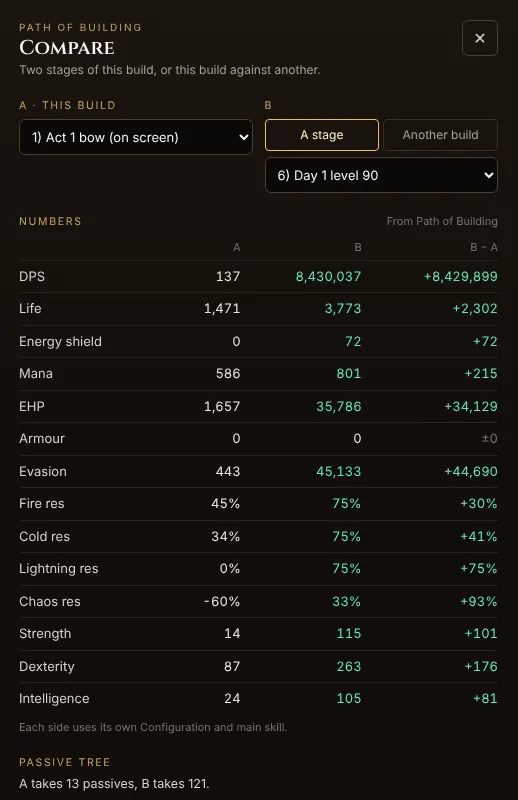
Step 6 · Each new stage
Check the upgrade
Compare on the guide →By hand · 3
- Open both setups in Path of Building
- Switch between them
- Note each stat change
Here · 1
- Compare, then pick the two stages

Step 7 · Atlas
Pick a farm and juice your maps
By hand · 4
- Watch the creator's video
- Rebuild their Atlas tree by hand
- Price their juice on poe.ninja
- Write a map search that skips mods your build can't run
Here · 3
- Open animeprincess's Waste Pool Blight strategy
- Copy to my trees
- Open its map search in the Regex Builder and save it
Track it in Run mode and its map search shows on the Maps tab.
Open the strategy →
Step 8 · Covens of Umbra
Build your Wickerman
By hand · 4
- Look up the Viscera for each slot
- Look up which boss drops each one
- Keep a list of what you still need
- Write a stash search for them
Here · 3
- Pick four Viscera in the planner
- Tick them off on the farm list
- Search my stash for these
Run mode's Covens tab shows what's left, and the build's Wickerman can use this setup.
Open the Wickerman planner →
Where it all ends up
By the end, Run mode holds your route, your gems, your saved searches, the maps you farm and the Viscera left to get. One panel beside the game.
Build and farming strategy by animeprincess; all credit to her. Unofficial fan site, not affiliated with Grinding Gear Games.